The Learning Library

Access a comprehensive catalog of training courses designed to help you confidently navigate and troubleshoot your California Connect device.
Apply Now to QualifyHow do I qualify?Join our Community
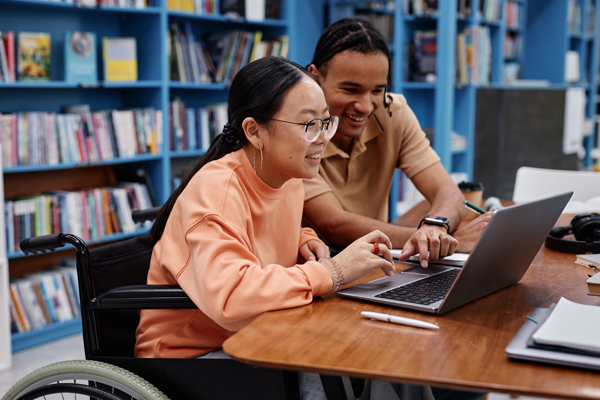
  • A black man wearing a gold long sleeve shirt wearing a headset and microphone device to communicate with others.
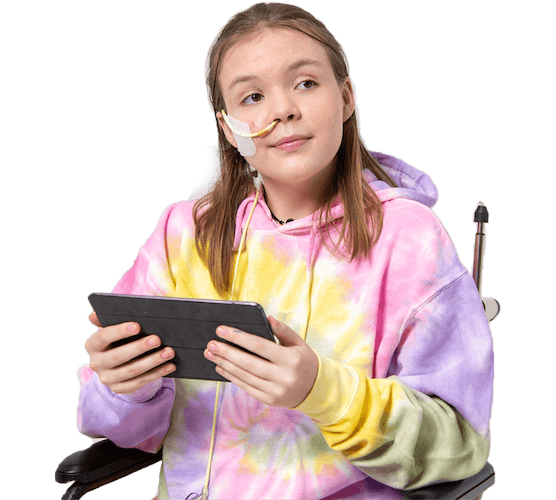
  • A female young adult wearing rainbow tie dye sweatshirt, looking afar from her wheelchair, holding an iPad device in her hand.
  • An Asian man with black-rimmed glasses and hair, long sleeve plaid shirt and a green t-shirt, listening through a device and smiling.
  • A white Deaf man wearing a gold hat and gold-rimmed glasses. The man is wearing a tan t-shirt and has a flower tattoo on his left neck.
  • A blind Black woman wearing a white turtleneck shirt and blouse sitting on the couch, holding a white phone to her ear, listening to the caller on the other end of the line.

Education Tailored to your Needs

The Learning Library, housed under the Knowledge Base, is a dedicated, self-paced learning space designed to help you understand your device, learn its features, and use it effectively in your everyday life.
Find a course

Designed for your Success

Our interactive courses are tailored specifically for the devices in the California Connect program.
Explore modules focused on:

  • Navigating Your Device: Get familiar with the core features, menus, and layout of your new
    communication equipment.

  • Effective Daily Use: Learn practical techniques to seamlessly integrate your assistive technology
    into your daily routines.

  • Step-by-Step Troubleshooting: Find clear solutions and resolve common technical questions right
    from the comfort of your home.

 
Sign UP

How to Access the Platform

Engage with your peers and dive into an environment built specifically for shared experiences and mutual support from other Californians who have disabilities and are a part of the California Connect Program. Follow these steps to join and start taking advantage of this no-cost space:

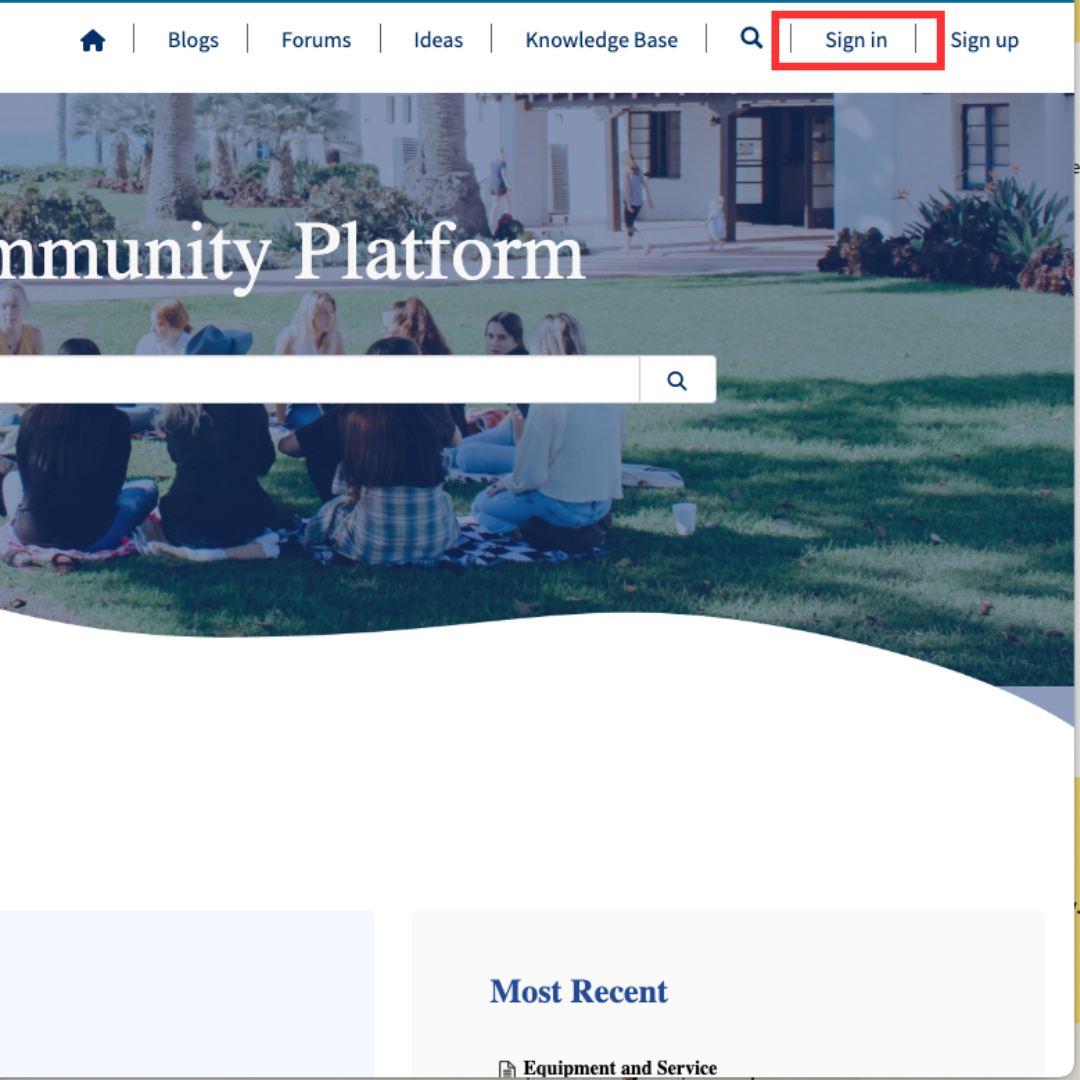
Step 1: Sign Up

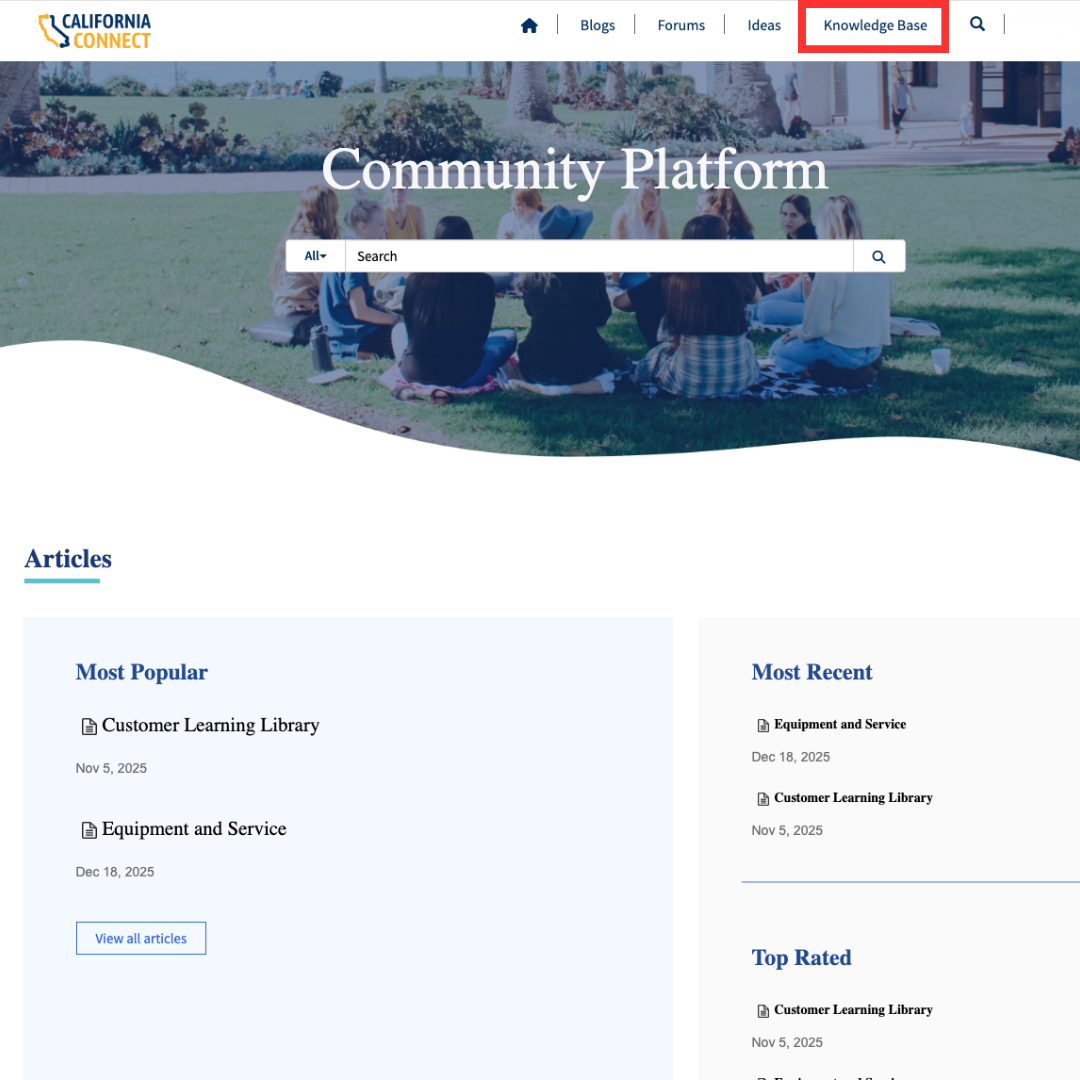
Visit community.caconnect.org to create an account. On the upper right hand corner, select “Sign Up”.
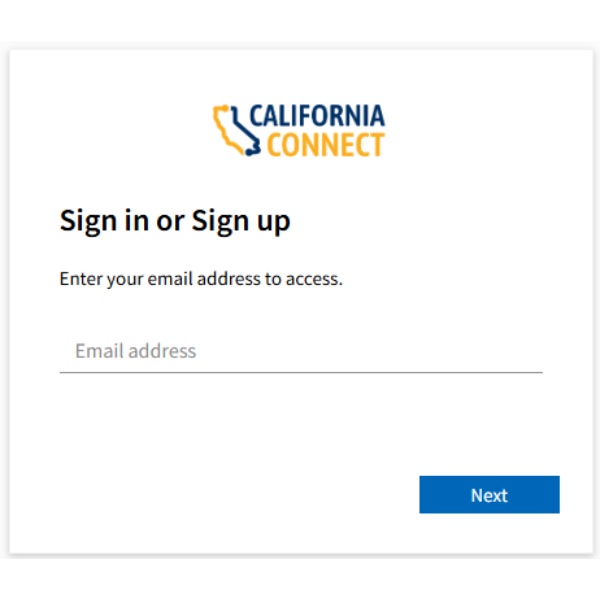
Input your preferred email address and click “Next”. A code will be sent to your email to confirm your email address. Go to your inbox, input the code sent by no-reply@caconnect.org, and select “Next”.
Step 2: Create an Account
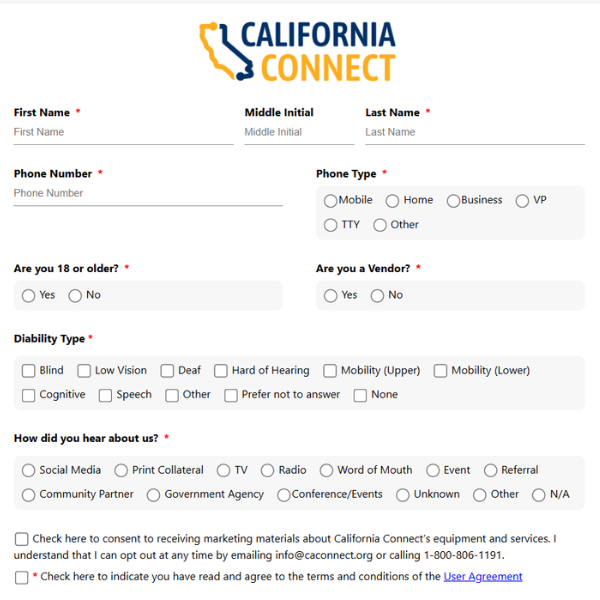
Fill out the form with your profile information including password, name, disability, phone, etc.

Step 3: Navigate to the Learning Library

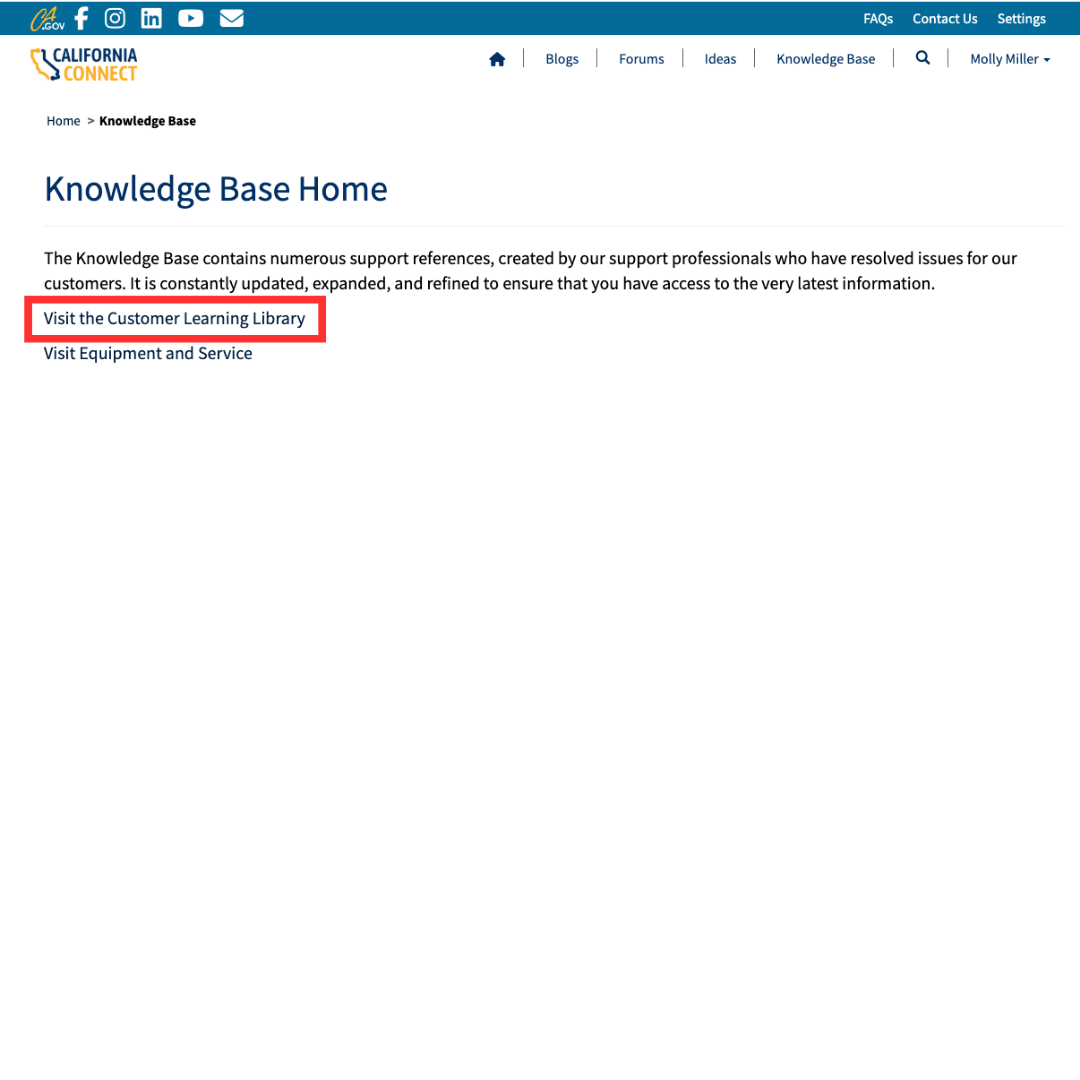
On the top right hand of the page, select “Knowledge Base” to be redirected to the Learning Library and
select “Visit the Customer Learning Library

Step 4: Explore and Register for Courses

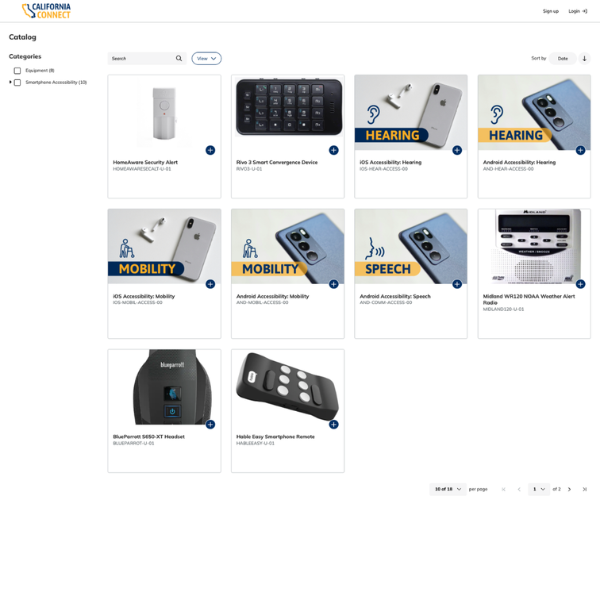
Use the side menu to filter courses based on operating system or specific devices. You may also scroll
through all available courses on the main section of the page to find one that works for you.
Connect with Assistive Tech Users

Ready to Build Your Skills?

Create your account today to browse the full catalog of device training
and start your learning journey.
Register Today

Contact

Contact Center
P.O. Box 30310
Stockton, CA 95213
Phone/VP: 1-800-806-1191
Email: info@caconnect.org
Fax: 1-800-889-3974

About

Welcome to California Connect, also called the Deaf and Disabled Telecommunications Program (DDTP), which provides communication access for Californians with hearing, vision, cognitive, mobility, and speech-related disabilities. The program of the California Public Utilities Commission (CPUC) includes accessible communication equipment and devices, relay service, and Augmentative and Alternative Communication (AAC) devices.
Copyright © 2025 State of California
crossmenu